
How to Jailbreak Your FireStick in Under 5 Minutes (Updated October 2025)
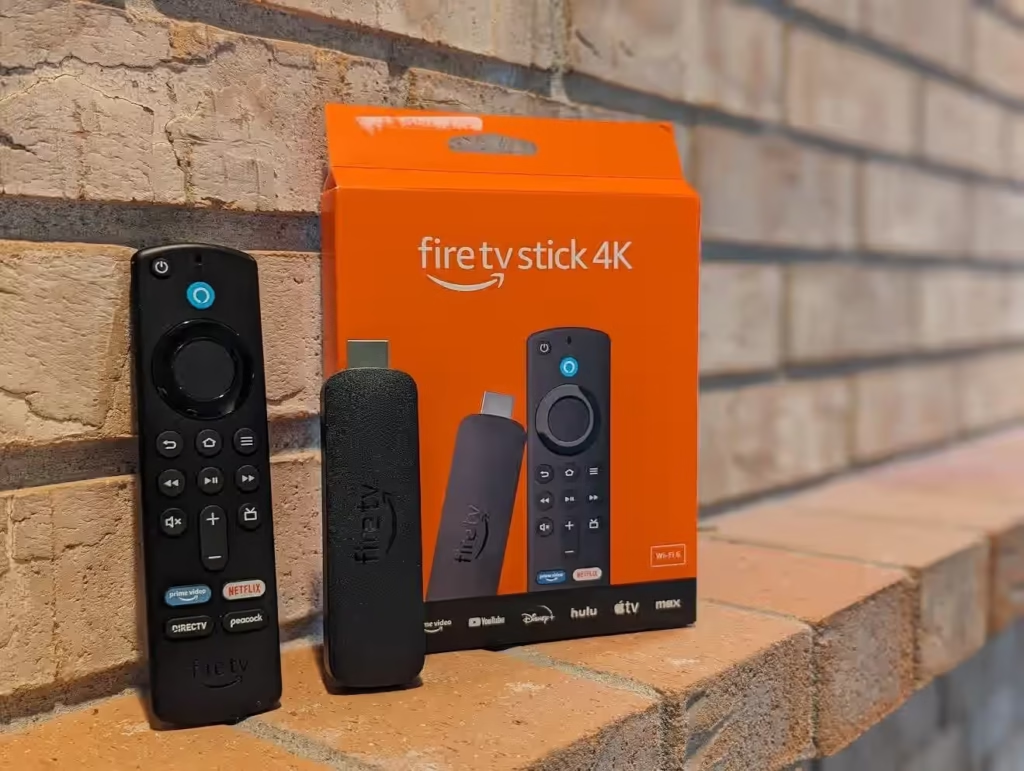
Unlock the full potential of your Amazon FireStick by sideloading apps not available on the Amazon App Store. This safe and simple process works on all Fire TV models including FireStick HD, Lite, 4K, 4K Max, Fire TV, and Fire TV Cube.
What You’ll Learn in This Guide
- Step-by-Step Instructions: Easily follow the process to sideload apps.
- Visual Aids: Screenshots to guide you through each step.
- Required Tools: Everything you need, including the Downloader app.
- Safety Tips: Best practices for a secure process.
- Beginner-Friendly: Clear explanations to avoid confusion.
- Legal Disclaimer: Important information on legal considerations.
What Is Jailbreaking?
Jailbreaking a FireStick means unlocking your Fire TV’s restrictions on third-party app installations. This allows you to install apps not offered through the Amazon App Store, giving access to a broader range of streaming options. Unlike jailbreaking an iPhone or rooting an Android device, FireStick jailbreaking is simple and completely risk-free.
Why Jailbreak Your FireStick?
- Access More Apps: Install third-party apps not yet available on the Amazon App Store.
- Enhance Streaming: Customize your FireStick with improved media players and streaming tools.
- Control Without Risk: Sideload apps safely without voiding your warranty.
Is It Safe & Legal?
Jailbreaking your FireStick is both safe and legal as long as you avoid streaming copyrighted content. It only involves changing settings to allow apps from unknown sources, without altering system-level files, and it does not void your warranty.
Step 1: Install Downloader App
- Go to Home → Find → Search.
- Type Downloader and select it.
- Click Get / Download to install.
Step 2: Enable Unknown Sources
- Go to Settings → My Fire TV → Developer Options. If not visible, go to About → select Fire TV 7 times.
- Click Install Unknown Apps (or Apps from Unknown Sources on older devices).
- Turn ON Downloader.
Step 3: Install Kodi
- Open Downloader.
- Enter Kodi APK URL: kodi.tv/download → Click Go.
- Download and install Kodi.
- Click Open to launch Kodi.
Congratulations! Your FireStick is now jailbroken.
Step 4: Use a VPN for Safe Streaming
- Subscribe to a VPN like ExpressVPN.
- Search and install ExpressVPN from the FireStick.
- Open the app, log in, and connect to a server.
Step 5: Add Kodi Addons & Builds
Kodi requires addons or builds to access content. Only install official, verified addons for legal and safe streaming. Builds offer pre-packaged layouts and pre-installed addons for a better user experience.
Step 6: Optional – Install Aptoide TV
Aptoide TV is a third-party app store that offers apps unavailable on Amazon App Store. Avoid apps promising free premium content to stay safe.
Frequently Asked Questions
- Will jailbreaking void warranty or get me in legal trouble? No, as long as you don’t stream pirated content.
- Official vs Unofficial Kodi addons? Use only official addons for safety and legality.
- Is a VPN necessary? Recommended for privacy and faster streaming.
- Installed a questionable Aptoide app? Uninstall immediately via Settings → Applications → Manage Installed Applications.