
Why BOB Player Is One of the Top IPTV Apps This Year
In 2026, more people than ever are looking for a stable, smooth, and easy IPTV player to watch their playlists. With so many apps available, finding something simple and reliable can feel confusing—especially for beginners.
That’s why BOB Player has become one of the most popular IPTV players of 2026. It helps users watch their own legal IPTV playlists with fast loading, clean navigation, and great device compatibility.
If you want an IPTV player that “just works,” BOB Player is a strong choice.
What Is BOB Player?
BOB Player is an IPTV player — not an IPTV provider.
This means:
- It does NOT include channels by default.
- You must upload your own legal IPTV playlist (M3U, Xtream Codes, etc.).
- It’s designed to work on many devices, including:
- Smart TVs
- Android devices
- Android TV Box
- Firestick
- Tablets
- Phones
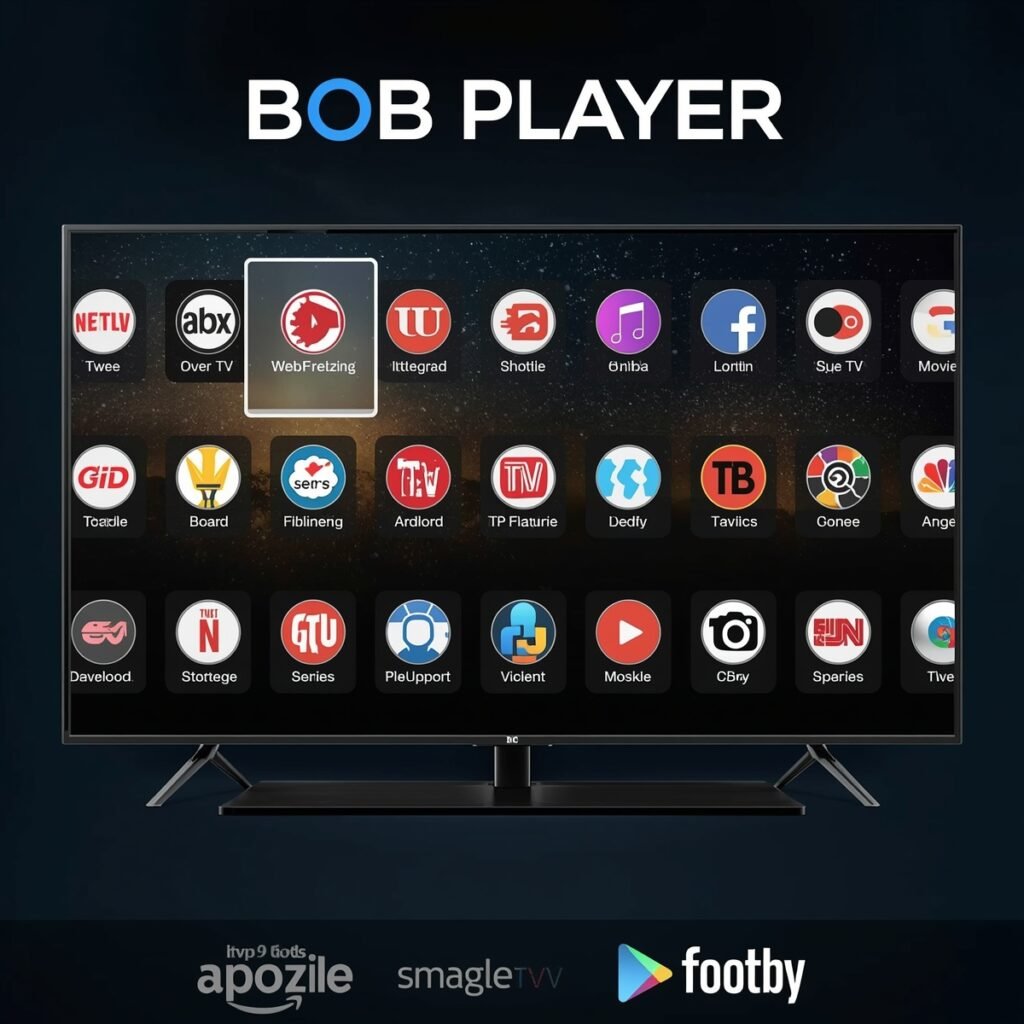
Its goal is simple: play your IPTV content smoothly with a clean interface.
🎁 FREE TRIAL IPTV
Experience the best IPTV service with HD channels, movies, and sports.
Get your 24-hour free trial and enjoy unlimited entertainment!
Key Features of BOB Player (Why Users Love It in 2026)
Here are the features that make BOB Player stand out:
✔ Fast & Smooth Performance
No freezing, heavy menus, or lag. Everything loads quickly.
✔ Easy Playlist Upload
Upload M3U or Xtream Codes in seconds.
✔ Clean & User-Friendly Interface
Organized sections for Live TV, Movies, and Series.
✔ Multi-Device Compatibility
Works on Smart TVs, Firestick, Android phones, tablets, and more.
✔ Regular Updates
The developers keep improving the app.
✔ Parental Control Support
Useful for families (if enabled).
✔ Stable Playback
Supports HD and FHD streams with fast channel switching.
Overall, BOB Player focuses on simplicity + performance, which is why many users prefer it in 2026.
How to Install BOB Player (2026 Guide)
Installing BOB Player is easy. Just follow these steps:
- Open the app store on your device (Smart TV / Android / Firestick).
- Search for BOB Player.
- Download and install it.
- Open the app and note your Device ID / MAC (if required).
- Upload your playlist to start watching.
That’s it — simple and fast.
How to Upload a Playlist in BOB Player
To add your IPTV playlist to BOB Player:
- Open the official BOB Player upload page (no URLs included).
- Enter your Device ID or MAC address.
- Upload your:
- M3U URL, or
- Xtream Codes login
- Restart the app.
- Your channels, movies, and series will appear automatically.
This process usually takes less than 1 minute.
Why BOB Player Is One of the Best IPTV Players in 2026
Here’s why BOB Player is highly recommended:
- Very fast channel loading
- Clean, modern interface
- Lightweight and smooth
- Works on all major devices
- Supports HD & FHD quality
- Great for Live TV, Movies, and Series
- Simple playlist management
- Loved by IPTV users worldwide
If you want a reliable IPTV player without complicated settings, BOB Player is a top option.
FAQ – BOB Player IPTV
Does BOB Player include channels?
No. It is an IPTV player. You must upload your own legal playlist.
Is BOB Player free or paid?
It may offer free or paid activation depending on the version.
What devices support BOB Player?
Smart TVs, Android phones, tablets, Android TV boxes, and Firestick devices.
Is BOB Player safe to use?
Yes, as long as you use legal IPTV playlists.
Is this an official review?
This is an independent, user-friendly guide explaining the features of the player.
Final Words — Should You Use BOB Player in 2026?
If you want a smooth, fast, and beginner-friendly IPTV player, BOB Player is one of the best IPTV apps of 2026.
It loads playlists quickly, has a clean design, and works on nearly every device.
If you’re looking for a simple IPTV player to use in 2026, BOB Player is absolutely worth trying.
One Response